
Listing photos transformed
in seconds
Virtual staging. Sky replacement. Tenant cleanup. Built for agents who move fast.
Join the waitlist for early access
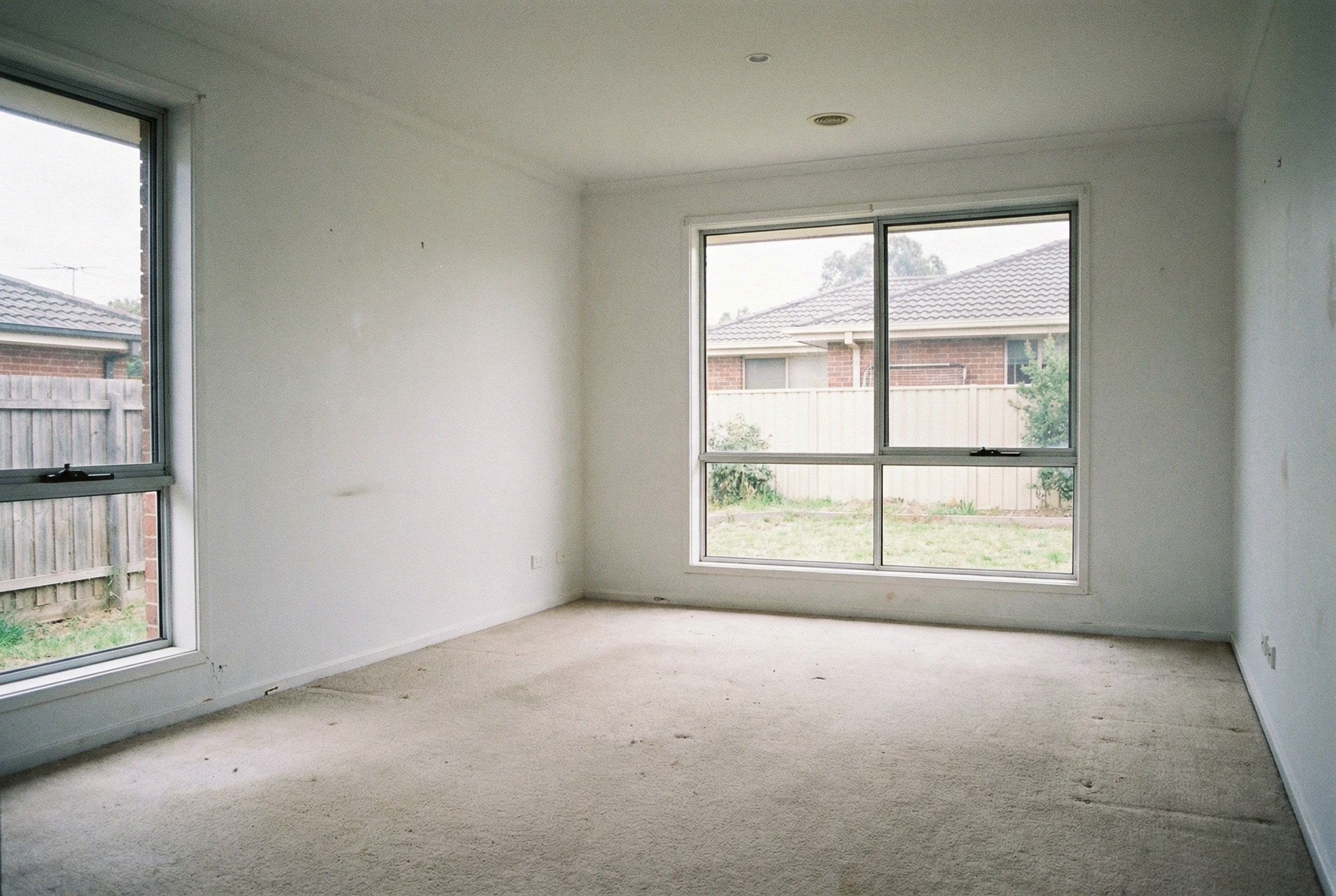

How it works
From raw photo to listing-ready in three simple steps
Upload
Drop your listing photos. Any format, any size.
Select
Choose your edit: staging, sky, cleanup, or enhance.
Download
Get portal-ready images in under 10 seconds.
See the transformation
Real examples from real listings. Drag the slider to reveal the before and after.
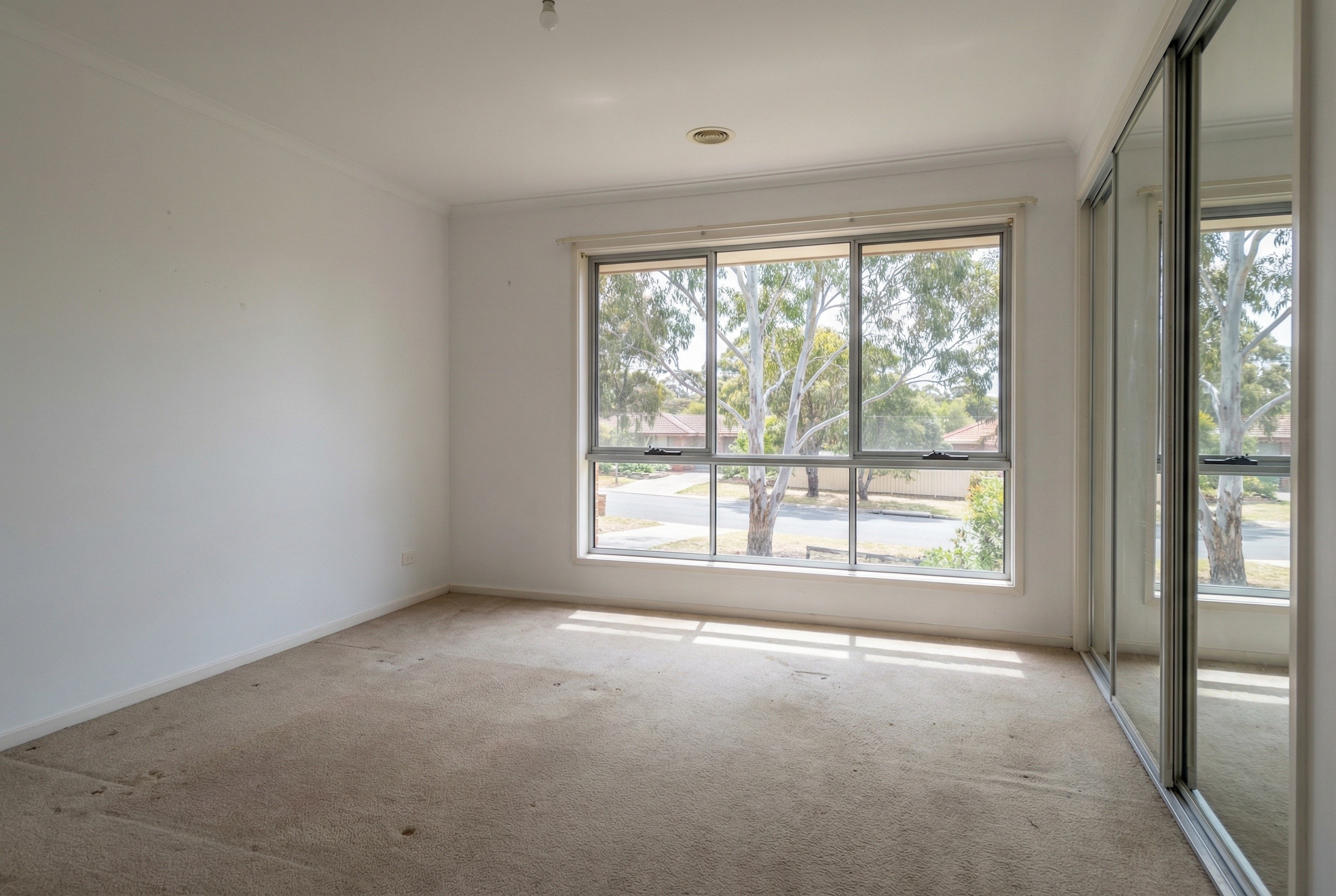
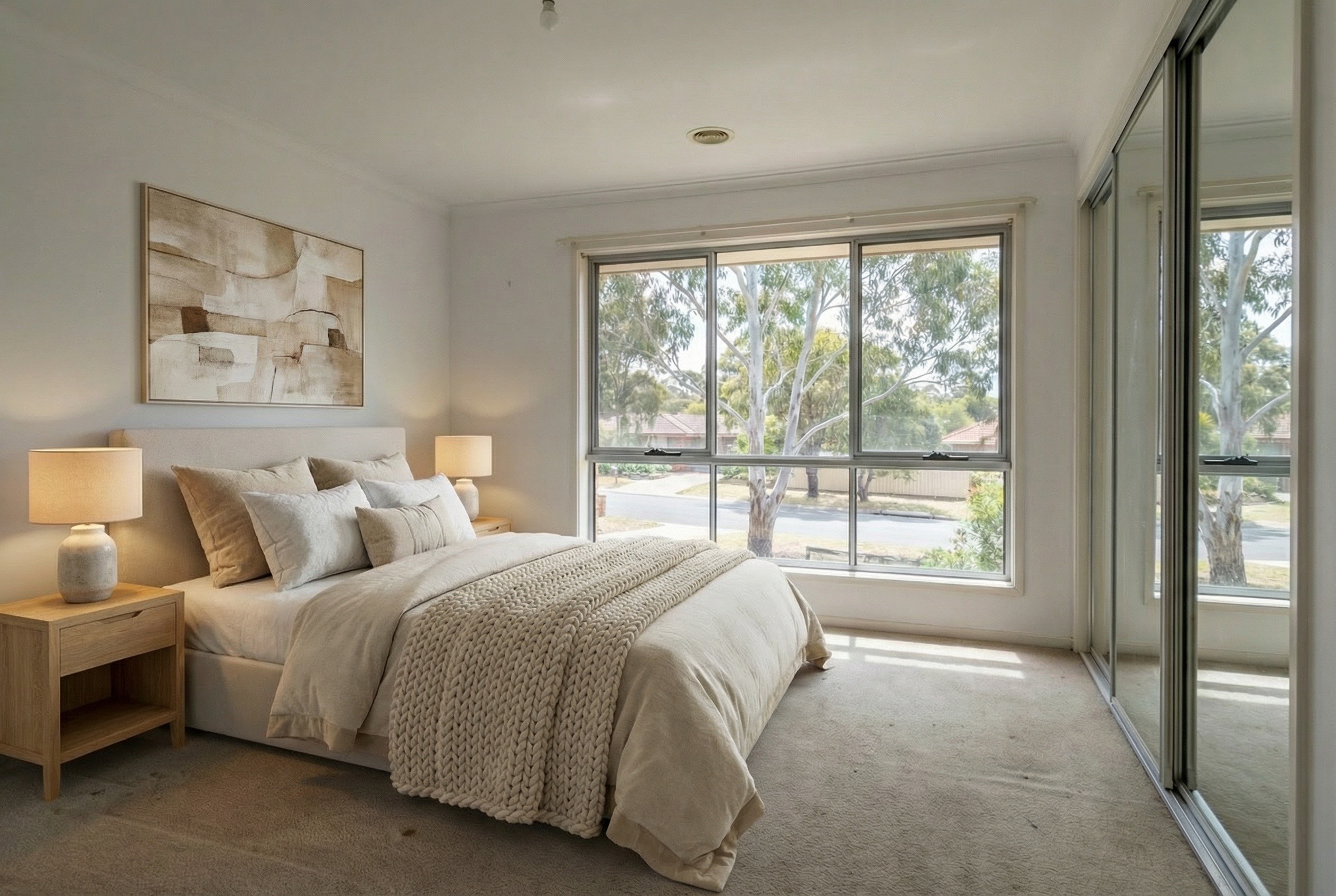
Master Bedroom
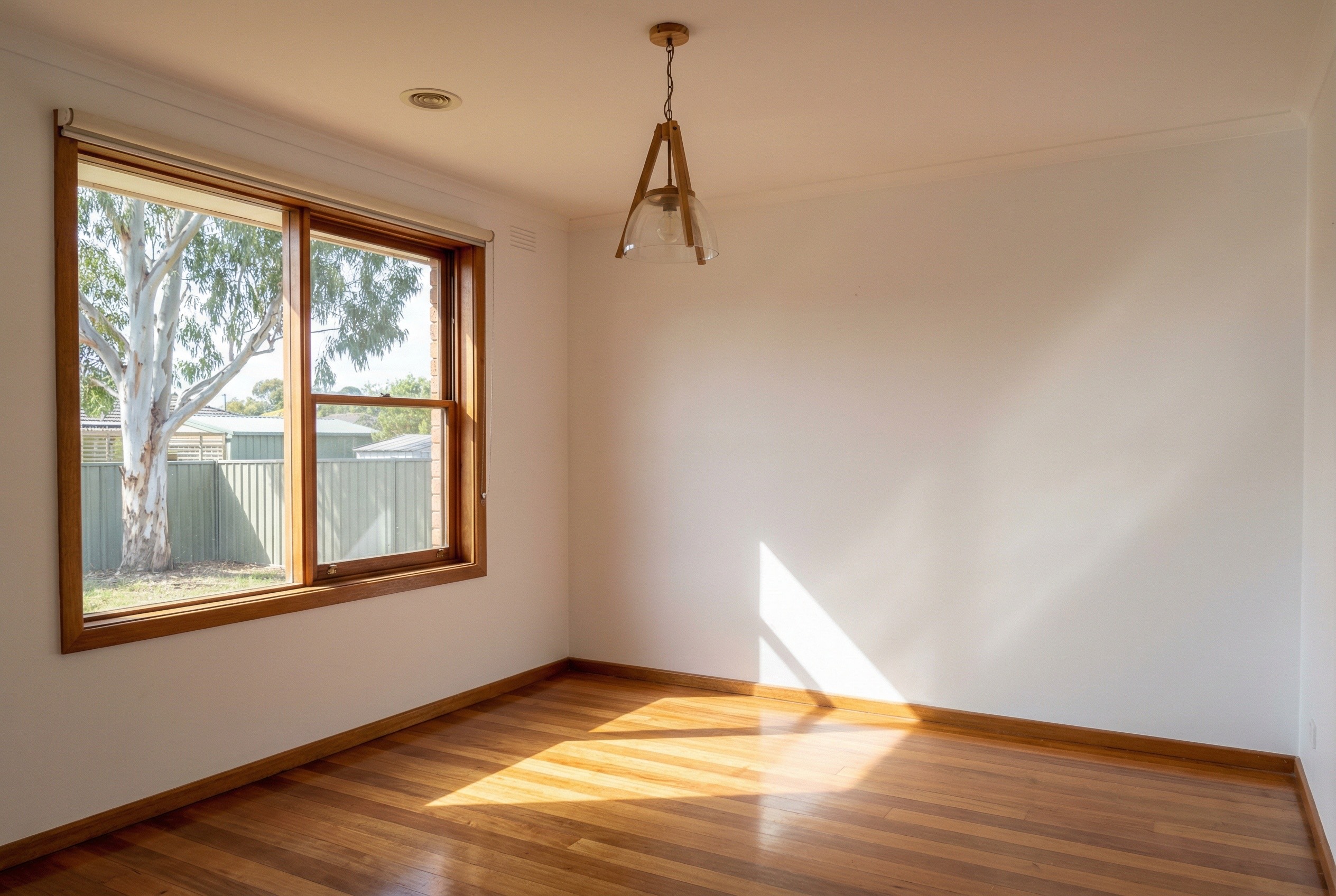
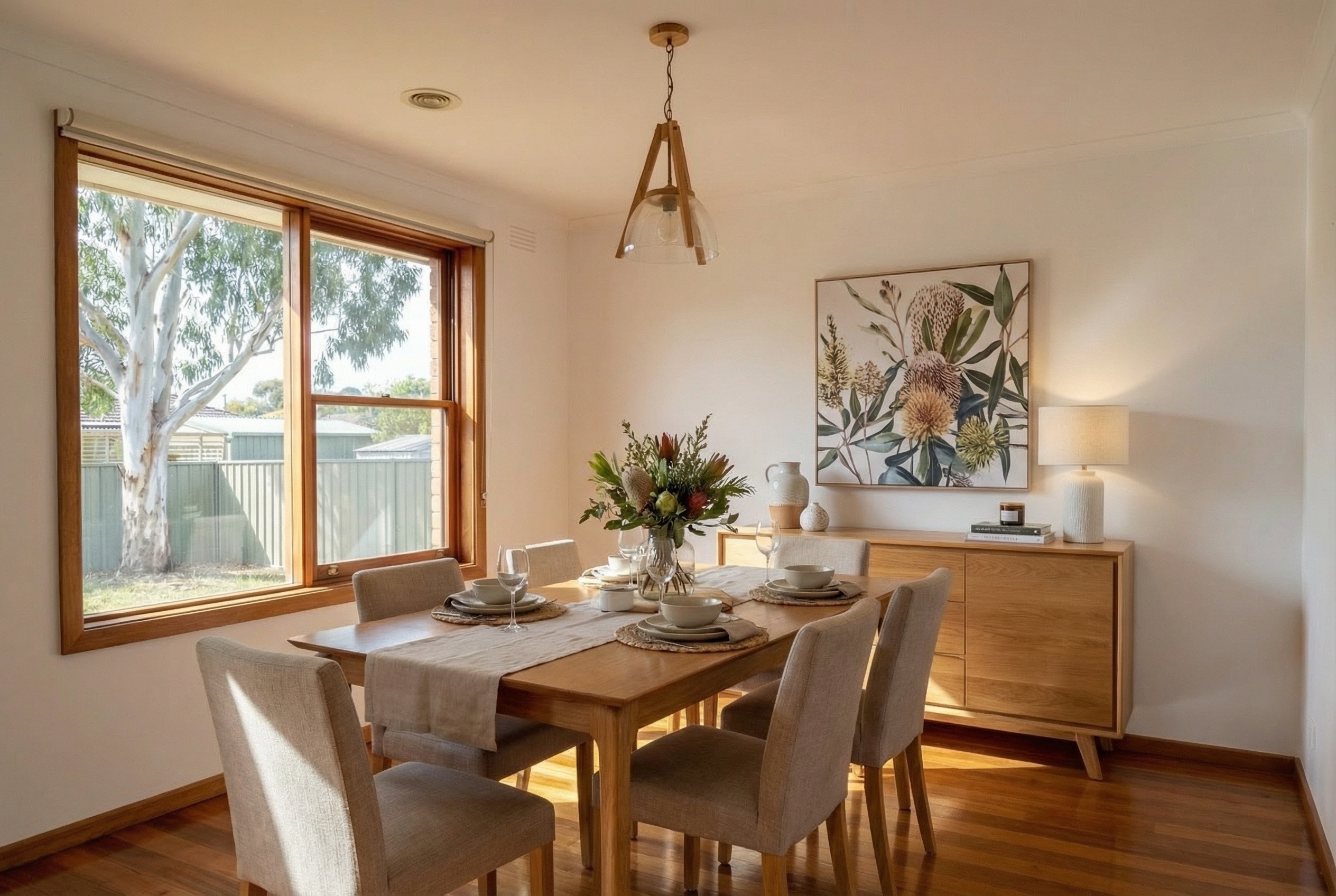
Dining Room
Simple Pricing
Plans from $29/month
Choose the plan that fits your volume. No lock-in contracts, cancel anytime.
Pro Plan
Most popular for active agents
100 images per month included
- All edit types included
- Priority processing
- Bulk upload and edit
- Email support
Join the waitlist to lock in launch pricing
FAQs
Common questions
Upload a photo of an empty room, select your preferred style (modern, coastal, traditional, etc.), and our AI generates photorealistic furniture and decor. The result is indistinguishable from professional physical staging.
Yes. All virtually staged images should be clearly labeled as "virtually staged" or "digitally furnished" in your listings. Our exports include metadata to help you stay compliant with REA and Domain guidelines.
Most edits complete in under 10 seconds. Complex virtual staging may take up to 30 seconds. You can upload multiple images and process them in bulk while you continue working.
We accept JPEG, PNG, HEIC, and WebP. Images are exported at full resolution with no watermarks. We recommend uploading the highest quality source images for best results.
Absolutely. Each edit creates a new version, so you can try different staging styles or lighting options without affecting your original. Your edit history is saved for 30 days.
Your images are processed securely and never shared or used for training. We delete uploaded images within 24 hours of processing. Enterprise plans offer immediate deletion and additional compliance options.
Have another question? Get in touch
Be first to access TYMO Studio
We're launching soon. Join the waitlist for early access and exclusive launch pricing.
Powered by Google Gemini • Built in Australia